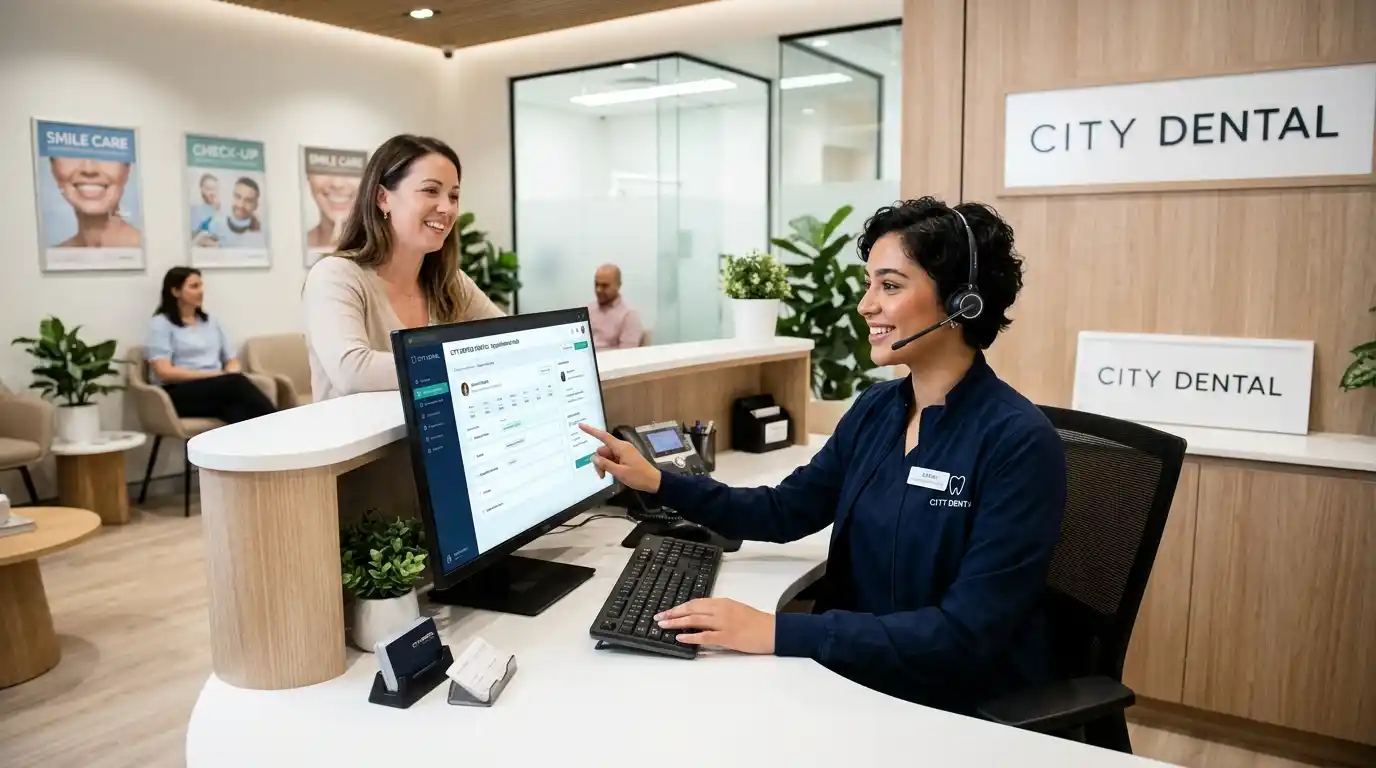
An AI dental receptionist is a virtual assistant that uses artificial intelligence to answer patient calls, schedule appointments, respond to common questions, and manage routine front-desk tasks. Dental practices use this technology to reduce missed calls, provide after-hours support, improve patient communication, and give staff more time for in-office responsibilities.
Key Takeaways
- An AI dental receptionist answers incoming calls and handles routine patient requests.
- It can schedule, confirm, and reschedule appointments when connected to compatible dental software.
- Many systems provide 24/7 phone coverage, including evenings and weekends.
- HIPAA safeguards and a signed Business Associate Agreement (BAA) are important when handling protected health information.
- Practices should compare integrations, pricing, call quality, and human handoff options before choosing a provider.
AI Dental Receptionist
Introduction
Managing a dental office involves more than treating patients. Receptionists must answer phone calls, schedule appointments, respond to questions, confirm visits, and handle cancellations throughout the day. When several patients call at once, some calls may go unanswered.
An AI dental receptionist can help solve this problem by handling routine conversations automatically. It uses artificial intelligence and voice technology to communicate with callers, understand their requests, and complete supported administrative tasks.
Unlike a traditional answering machine, an AI receptionist can hold conversations and respond to different questions. Depending on the software, it may also connect with dental practice management systems to book appointments and update patient records.
In this guide, you’ll learn how dental AI receptionists work, their benefits, important features, costs, and what to check before introducing one into your practice.
What Does an AI Dental Receptionist Mean?
An AI dental receptionist is a software-based virtual assistant designed to handle front-desk communication for dental practices. It typically uses conversational AI and speech recognition to understand callers and provide relevant responses.
For example, a patient might call to book a cleaning, ask about office hours, or change an existing appointment. The AI assistant can handle these requests when its system has the necessary information and permissions.
Dental offices commonly use this technology for:
- Answering incoming phone calls.
- Scheduling and rescheduling appointments.
- Confirming upcoming visits.
- Responding to frequently asked questions.
- Collecting basic patient information.
- Sending appointment reminders.
- Forwarding complex requests to staff.
Some platforms also support website chat, text messages, and outgoing patient follow-ups.
Why Do Dental Practices Use AI Receptionists?
Dental reception teams often manage several responsibilities simultaneously. They may need to answer the phone while checking in patients, processing payments, and coordinating treatment schedules.
An AI receptionist provides additional communication support without requiring another full-time employee.
Here are some common reasons dental offices consider this technology:
- Reduce missed calls: Answer incoming calls when staff members are busy.
- Provide extended coverage: Help patients outside normal business hours.
- Save staff time: Handle repetitive questions and routine scheduling requests.
- Improve accessibility: Give callers another way to reach the practice.
- Manage appointment changes: Process supported booking and cancellation requests.
- Support patient retention: Help practices follow up with patients who need another visit.
However, AI should support the front desk rather than replace human judgment in sensitive or complicated situations.
10 Best Ways an AI Dental Receptionist Can Help Your Practice
1. Answering Patient Calls Automatically
An AI receptionist can answer incoming calls and greet patients with a natural-sounding voice. It can ask what the caller needs and direct the conversation toward an appropriate solution.
Best For: Professional, friendly patient communication.
Example 1: A patient calls during a busy morning to ask about available cleaning appointments.
Example 2: Someone calls after closing time to learn the practice’s opening hours.
Quick Tip: Customize the greeting with your practice name, operating hours, and preferred communication style.
2. Booking Dental Appointments
Appointment scheduling is one of the most useful features of dental AI software. Depending on its integration, the assistant can check available time slots and book appointments directly into the practice schedule.
Best For: Professional, efficient scheduling.
Example 1: A new patient requests an appointment for a routine dental examination.
Example 2: An existing patient wants to schedule a follow-up visit after treatment.
Quick Tip: Confirm that the software connects directly to your dental practice management system rather than simply collecting appointment requests.
3. Rescheduling and Canceling Visits
Patients sometimes need to change their appointments because of work, travel, or personal commitments. An AI assistant can handle supported changes without requiring staff to answer every call.
Best For: Polite, convenient patient service.
Example 1: A patient moves a Tuesday cleaning appointment to Friday afternoon.
Example 2: Someone cancels an appointment because they cannot attend.
Quick Tip: Set clear cancellation rules and make sure the AI follows your practice’s scheduling policies.
4. Handling Frequently Asked Questions
Dental offices receive many calls about office hours, directions, accepted payment methods, and available services. An AI receptionist can answer approved questions using information supplied by the practice.
Best For: Friendly, professional communication.
Example 1: A caller asks whether the office accepts a particular dental insurance plan.
Example 2: A new patient wants to know where the clinic is located.
Quick Tip: Review the assistant’s knowledge base regularly so patients receive accurate information.
5. Providing After Hours Support
Patients do not always call during regular business hours. A virtual dental receptionist can answer calls during evenings, weekends, and holidays when the office is closed.
Best For: Professional, accessible service.
Example 1: A patient calls on Saturday to request an appointment for the following week.
Example 2: Someone contacts the office after closing to ask about an upcoming visit.
Quick Tip: Program clear instructions for urgent dental concerns and provide an appropriate emergency contact process.
6. Sending Appointment Reminders
Missed appointments can disrupt a dental practice’s schedule. Some AI receptionist platforms can send automated reminders through text messages or phone calls.
Best For: Polite, helpful communication.
Example 1: A patient receives a reminder about a cleaning scheduled for the next morning.
Example 2: A caller confirms an upcoming examination through an automated message.
Quick Tip: Allow patients to confirm or request changes through an approved communication channel.
7. Collecting New Patient Information
New patients often need to provide basic information before their first appointment. Certain AI systems can collect approved details and pass them to the front desk.
Best For: Professional, organized intake.
Example 1: A new patient provides their name and preferred appointment time.
Example 2: A caller shares contact information so the office can follow up about registration.
Quick Tip: Collect only the information needed for the task and use secure, approved systems for sensitive patient data.
8. Recovering Missed Calls
A missed call can represent a potential appointment or an existing patient’s unanswered question. Some platforms automatically send a follow-up text or initiate another contact attempt.
Best For: Friendly, proactive communication.
Example 1: A patient receives a text after calling while all staff members are assisting other visitors.
Example 2: A prospective patient receives instructions for requesting an appointment.
Quick Tip: Track how many missed calls turn into completed appointments to measure the feature’s actual value.
9. Supporting Multiple Languages
Some dental AI receptionists offer multilingual communication. This can help practices serve patients who prefer speaking a language other than English.
Best For: Friendly, accessible patient communication.
Example 1: A Spanish-speaking patient requests information about appointment availability.
Example 2: A bilingual caller asks about the clinic’s services in their preferred language.
Quick Tip: Test the system with native speakers before relying on its translations for important patient instructions.
10. Transferring Complex Calls to Staff
AI is useful for routine administrative requests, but some conversations require a real person. A good system should recognize its limitations and transfer calls when appropriate.
Best For: Professional, responsible patient service.
Example 1: A patient wants to discuss a complicated billing concern with the office manager.
Example 2: A caller reports severe dental pain and needs assistance from a qualified staff member.
Quick Tip: Create clear escalation rules for emergencies, clinical questions, complaints, and requests the AI cannot confidently answer.
Comparison Table
| Feature | Main Purpose | Tone |
| Automatic call answering | Handle incoming calls | Professional |
| Appointment booking | Schedule visits | Friendly |
| Rescheduling | Change existing visits | Polite |
| FAQ responses | Answer routine questions | Helpful |
| After-hours support | Extend availability | Professional |
| Appointment reminders | Reduce forgotten visits | Friendly |
| Patient information collection | Support registration | Professional |
| Missed-call recovery | Follow up with callers | Proactive |
| Multilingual support | Serve diverse patients | Friendly |
| Human call transfers | Handle complex requests | Professional |
Common Mistakes When Choosing an AI Dental Receptionist
- Choosing software without checking integrations: Some platforms collect appointment requests but cannot write bookings directly into your dental practice management system.
- Ignoring HIPAA requirements: Patient information requires appropriate privacy and security protections. Do not assume a product is compliant simply because its marketing mentions healthcare.
- Expecting AI to handle every situation: Complicated billing issues, clinical questions, and urgent concerns may require a trained human employee.
- Overlooking call quality: A system may sound impressive in a demonstration but struggle with background noise, accents, or interruptions during real calls.
- Ignoring the total cost: Monthly subscriptions may not include setup fees, call-minute charges, integrations, or additional locations.
Frequently Asked Questions
1. What is an AI dental receptionist?
An AI dental receptionist is a virtual assistant that uses artificial intelligence to manage routine front-desk tasks. It can answer calls, respond to common questions, schedule supported appointments, and provide after-hours assistance. Dental practices use it to improve communication and reduce the workload on reception staff.
2. How much does an AI dental receptionist cost?
The price depends on the provider, number of locations, call volume, and available features. Some services charge a monthly subscription, while others use per-minute or usage-based pricing. Ask providers about setup fees, integration charges, additional phone numbers, and contract requirements before choosing a plan.
3. Can an AI receptionist book dental appointments?
Yes, some AI receptionists can book appointments directly into dental practice management software. However, this depends on the platform’s integrations and permissions. Before purchasing, ask the provider to demonstrate a complete booking and confirm that the appointment appears correctly in your actual scheduling system.
4. Is an AI dental receptionist HIPAA compliant?
An AI receptionist can be used in a HIPAA-regulated dental practice when the service and practice meet applicable HIPAA requirements. If the vendor handles protected health information as a business associate, the practice generally needs an appropriate Business Associate Agreement. Security controls and vendor responsibilities should be reviewed before sharing patient information.
5. Can an AI dental receptionist work after hours?
Yes. Many systems provide 24/7 call answering, allowing patients to contact the practice outside regular office hours. Depending on the configuration, the assistant can answer questions, collect appointment requests, schedule available visits, or direct urgent concerns to an appropriate human contact.
6. Does an AI receptionist replace a dental receptionist?
Not completely. AI can manage repetitive administrative tasks, but human employees remain important for personal communication, complicated scheduling, billing concerns, and sensitive patient interactions. Most practices should consider AI a support tool that helps receptionists manage their workload more effectively.
7. What software should an AI dental receptionist integrate with?
Look for compatibility with the practice management system your office already uses. Common systems include Dentrix, Eaglesoft, Open Dental, and Curve Dental. Confirm the exact version and integration capabilities because some vendors support only certain systems or limited scheduling functions.
8. How do I choose the best AI receptionist for my dental office?
Start by identifying your biggest front-desk problem, such as missed calls, appointment scheduling, or after-hours coverage. Then compare integration support, HIPAA safeguards, call quality, pricing, language options, and human transfers. Test the software using realistic patient conversations before signing a contract.
Conclusion
An AI dental receptionist can help dental practices manage calls, schedule appointments, answer common questions, and provide support outside regular business hours. It can also reduce repetitive administrative work and give reception teams more time to focus on patients visiting the office.
However, choosing the right system requires more than comparing voice quality or advertised features. Practices should check dental software integrations, scheduling accuracy, privacy safeguards, transparent pricing, and reliable human handoff options.
A small dental office may prioritize affordable call coverage, while a larger practice may need advanced scheduling and multilingual support. The right solution depends on your patient volume, existing workflow, and business goals.